What is Landing Zone?
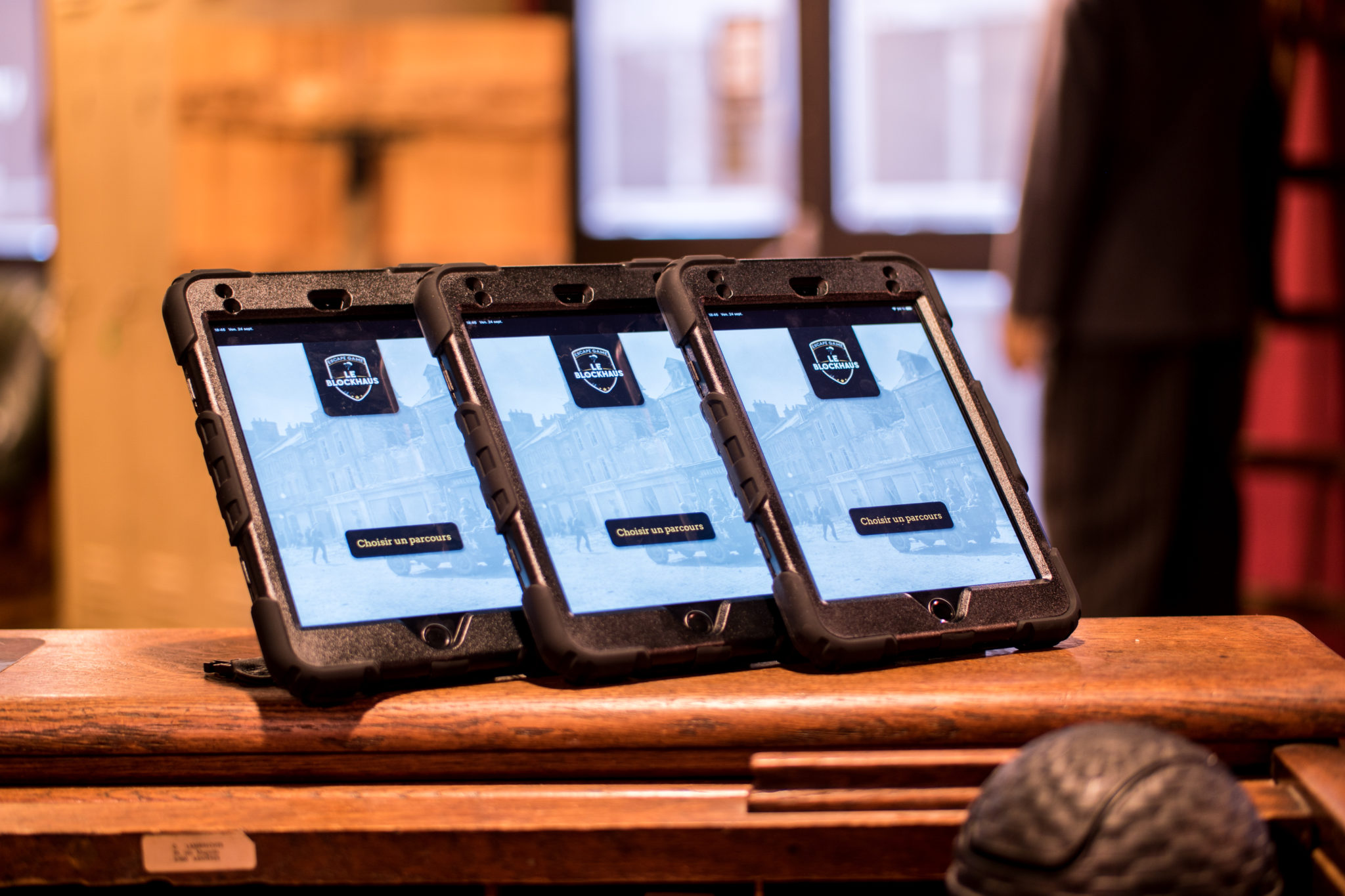
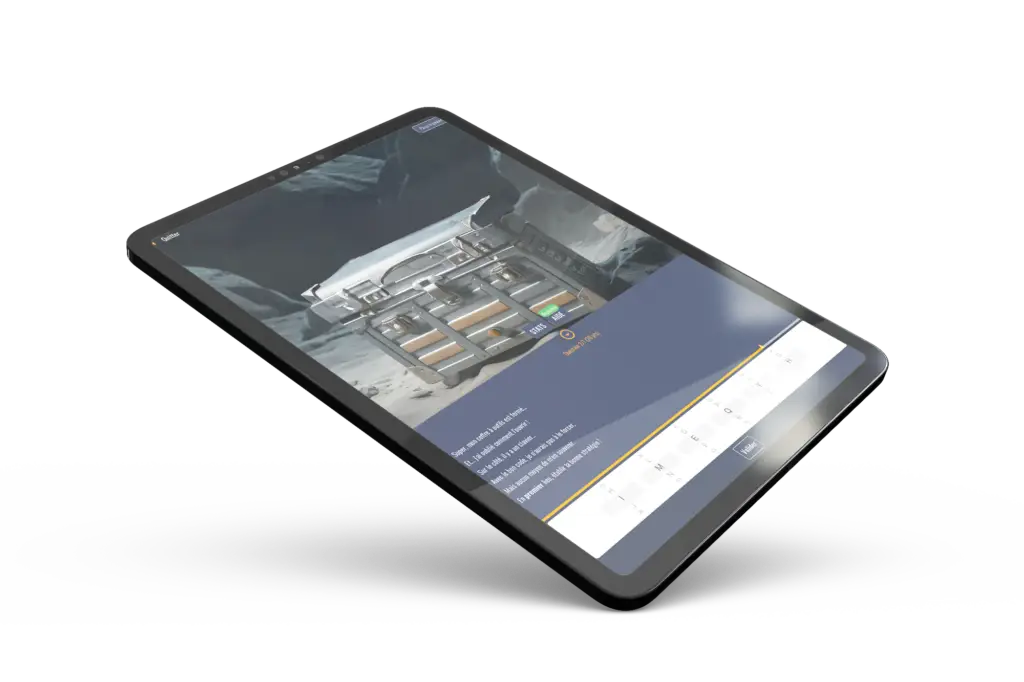
Landing Zone is a treasure hunt and puzzle game app that allows teams to explore various locations and/or solve a series of puzzles using a smartphone or tablet.
Where to Start with Landing Zone?
After reading this page, you can continue exploring this help site to better understand the possibilities available to design your routes.
Our first advice is to clearly define your needs when getting started:
- If your first idea is to showcase a confined location like a museum, a castle, or a historical site, it might be best to direct your route towards QR codes that you will hide within these locations.
- On the other hand, if you want players to move through a larger area, such as a city center, a park, or a forest, then consider the option of a geolocated route.
Both solutions are possible with Landing Zone.
My Needs Are Defined. What's Next?
Once you have decided on the type of route you want to create, you will need to make choices: Will it be a short or long route? Should your teams be able to complete all the puzzles you present to them, or will they need to strategize to prioritize certain ones? Will you add materials to your route (compass, map, photos, stopwatch, hats, etc.)?
Everything related to the app can be managed via the route administration tool. However, it’s up to you to decide whether to add external equipment and how it will interact with our system.
Only when all this information is defined can you design the puzzles themselves. These puzzles will form the core of your game and the primary touchpoint with your teams.
What Will I Find in This Help Section?
This help guide is divided into two sections:
- Your Account: In this section, you will find explanations on how to manage your personal settings within the app.
- Route Creation: As the name suggests, this section will guide you in creating routes from A to Z.
This help guide is structured like this page, with a table of contents to help you quickly navigate to the specific topic you’re looking for.